AI image generator with Magic Edit
Describe an image and get it at 2K in the frame shape you need, then change any part of it with Magic Edit. Every image carries metadata marking it as AI-generated.
Your words open the Image Studio with the prompt ready to render on the free starter credits.
150 free starter credits in many countries · No card · Unused starter credits expire after 72 hours
Idea → image
Six images, six sentences
Each was made at 2K from the prompt under it, sent as written.
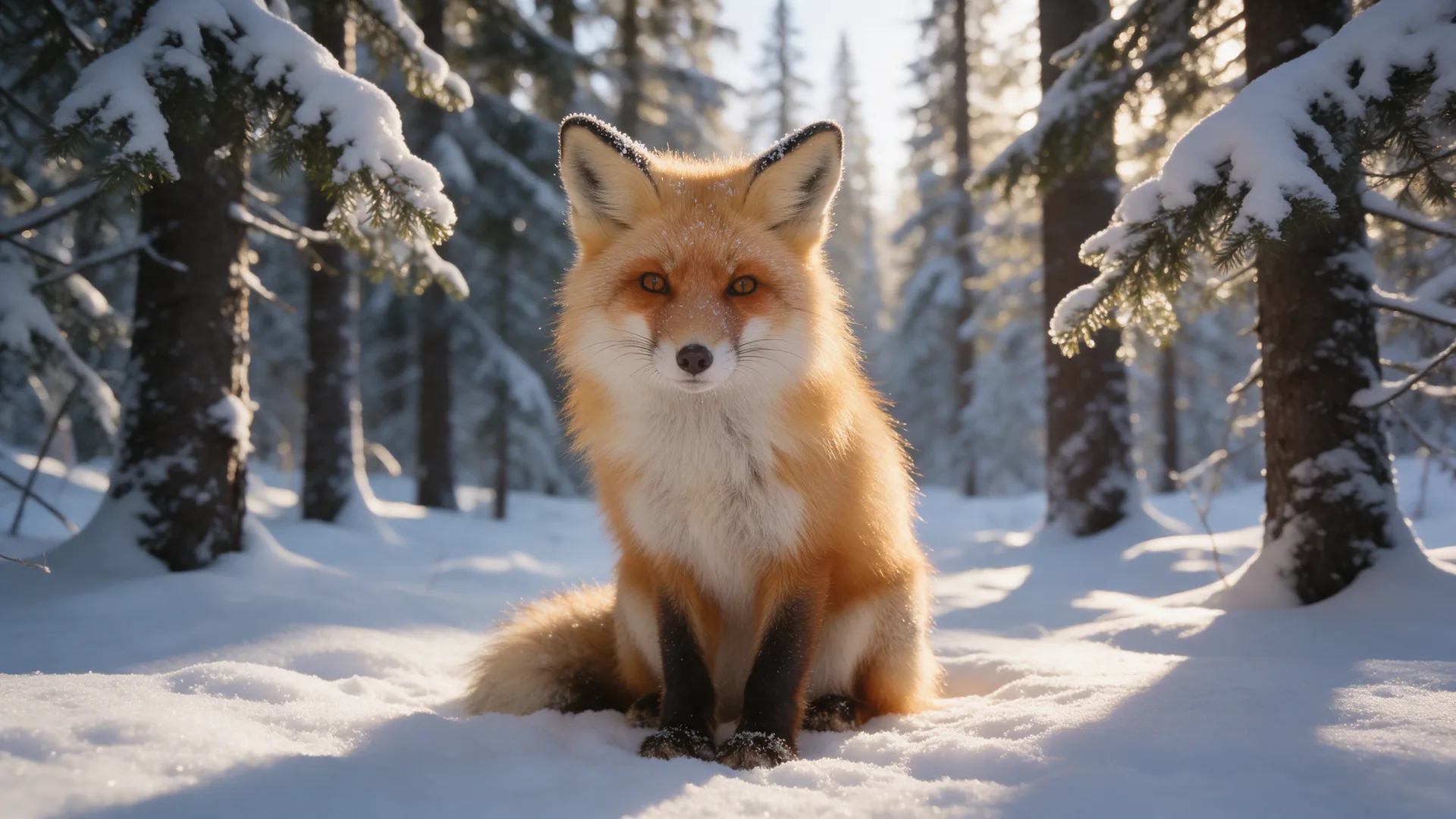
Idea → image · 2K
“A close up photograph of a fox with fluffy fur sitting in a snowy forest, illuminated by morning sun.”
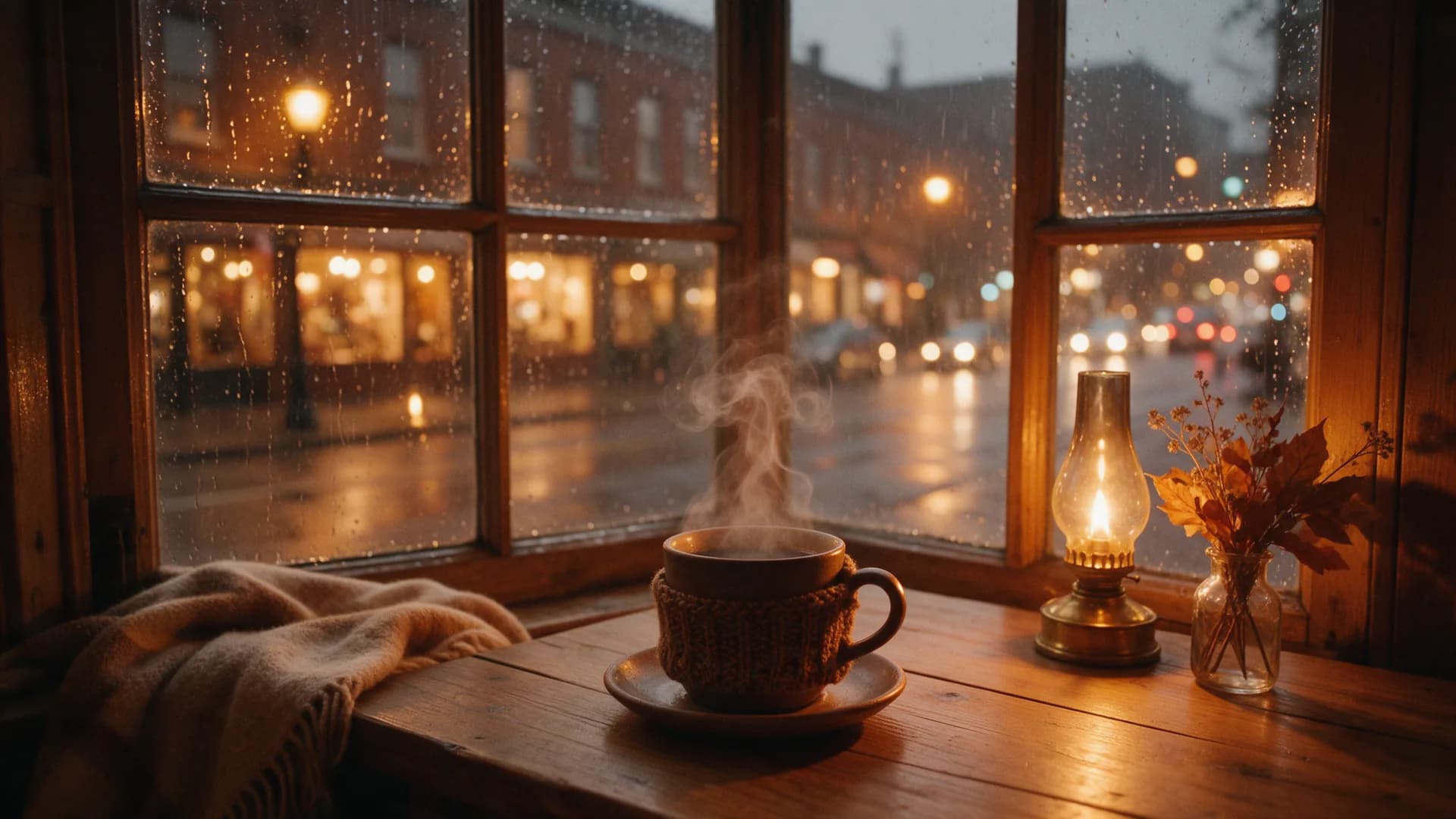
Idea → image · 2K
“A coffee cup with steam rising from it sits near a rainy window, creating a cozy vibe. Outside the glass, city lights blur into bokeh. The scene features warm tones and a film look.”
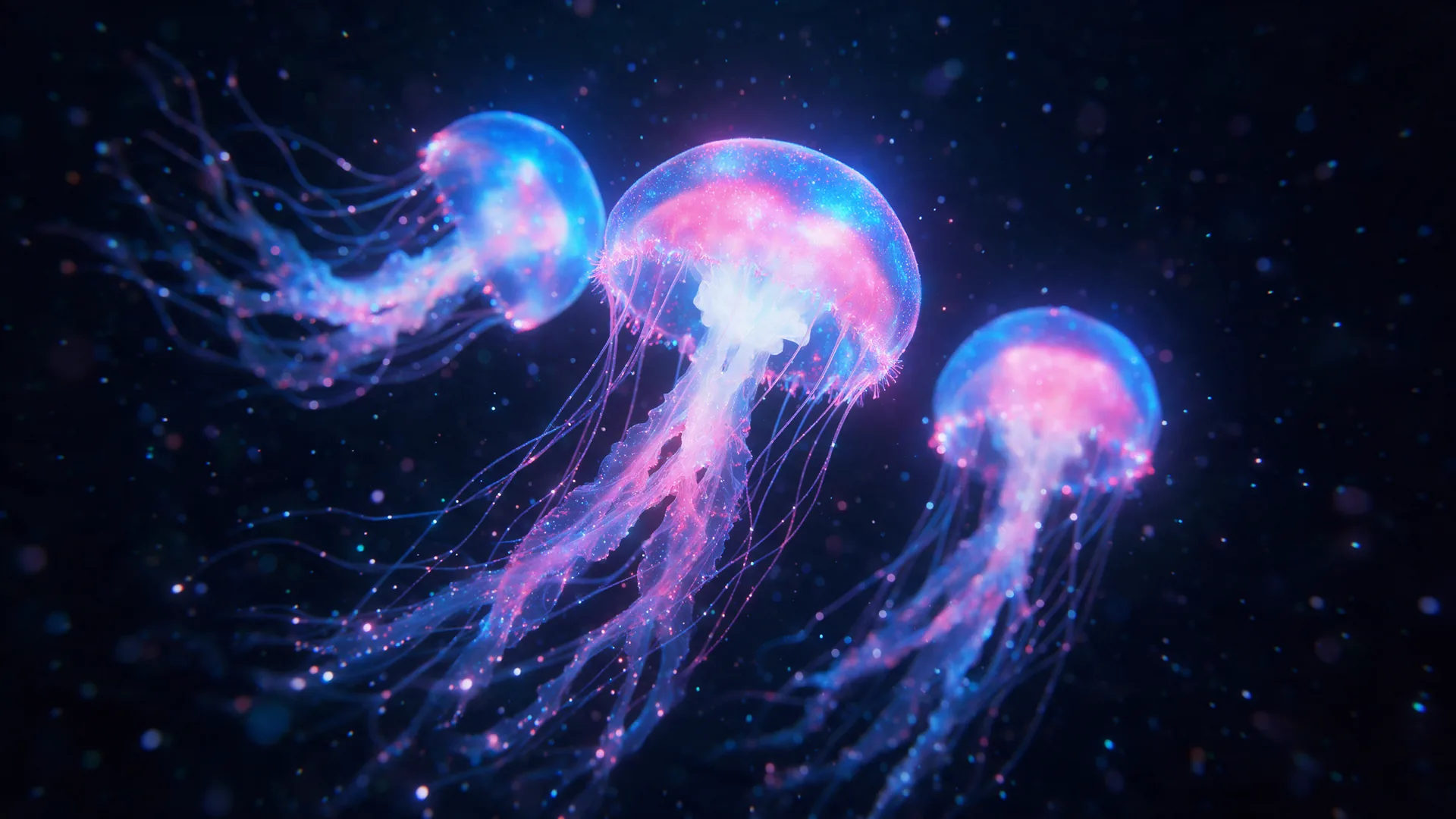
Idea → image · 2K
“A macro shot of glowing blue and pink jellyfish in the deep dark ocean, featuring long tentacles in a dreamy style.”
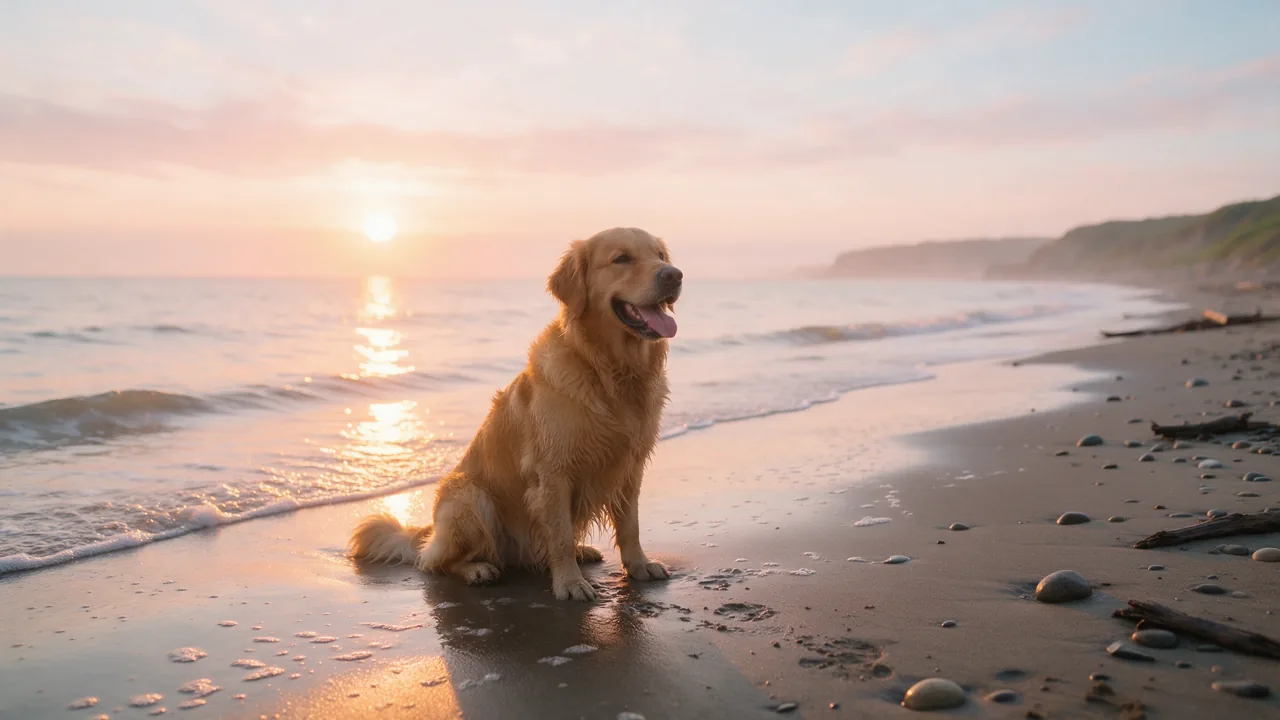
Idea → image · 2K
“A golden retriever sitting on a wet beach at sunrise, soft pastel sky, shallow water reflecting the light, photographic.”
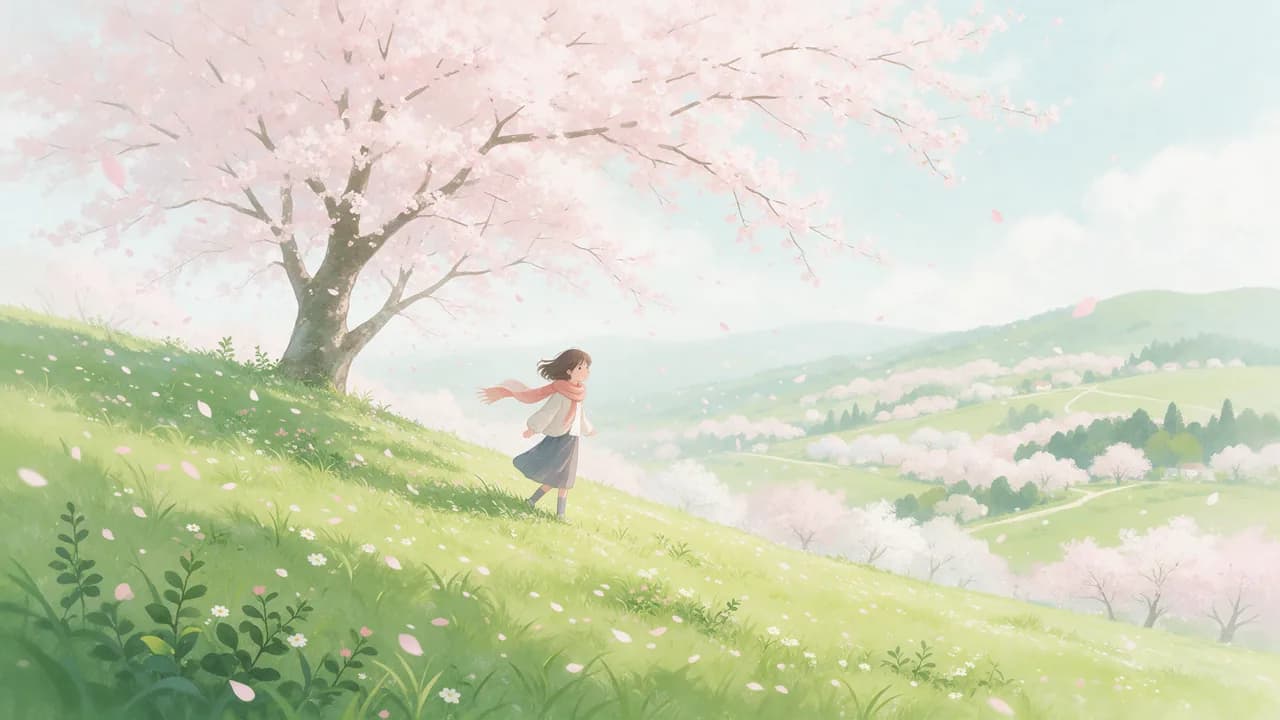
Idea → image · 2K
“Hand-painted illustration of a girl on a hill under cherry blossoms, wind in her scarf, soft painterly light.”
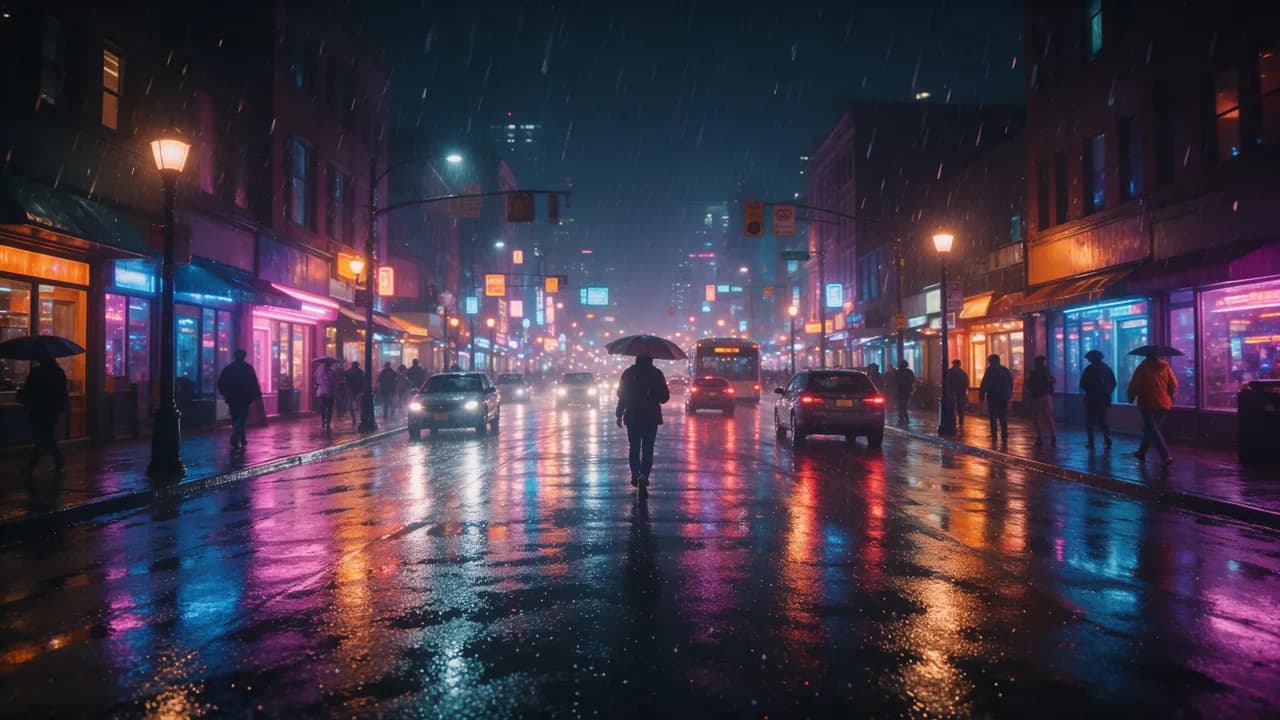
Idea → image · 2K
“Rainy city street at night, neon reflections on wet asphalt, a pedestrian with an umbrella seen from behind, no readable signs, cinematic.”
Magic Edit
Change one part, keep the rest
Brush over an area and say what belongs there; the rest of the picture stays as it was. Each edit costs 24 credits and shows its price first.
- Replace or add: swap an object, a colour or the sky.
- Extend: widen the frame past its edges.
- Remove: erase an object and fill the gap.
- Upscale: sharpen a picture to a larger size.
The honest version
What free gets you
In many countries a new account gets 150 free starter credits, no card: 7 images at 2K or 12 at 1K, and Magic Edit works on free accounts too. Unused starter credits expire 72 hours after they are granted.
Images from a free account carry a small AI-generated label with the PrismPoster mark in one corner; any credit pack removes it.
FAQ
Common questions about AI image generation
Can I generate AI images for free?
In many countries a new account gets 150 free starter credits, no card: 7 images at 2K or 12 at 1K. Some regions are excluded. Unused starter credits expire 72 hours after they are granted.
What is Magic Edit?
Brush over part of an image and describe the change: replace or add an object, extend the frame, remove something or upscale. The rest stays as it was. Each edit costs 24 credits, on every account.
What aspect ratios can I generate?
14: 8:1, 4:1, 21:9, 16:9, 3:2, 4:3, 5:4, 1:1, 4:5, 3:4, 2:3, 9:16, 1:4, 1:8. Pick one before you generate, so the picture is composed for the frame instead of cropped to it.
Can I use my images commercially?
Yes, on every account including free ones: products, social media, ads, websites and book covers. The Terms set out the rights in AI output.
Do free images have a watermark?
No large watermark. Images from a free account carry a small AI-generated label with the PrismPoster mark in one corner, which any credit pack removes. Every image also carries AI metadata.
What styles can it make?
Photographs, illustration, anime, 3D renders, watercolour, oil painting, vector art and editorial looks. Name the style, the light and the lens in the prompt; the prompt enhancer can add them for you.
Make the full version in the studio
Longer clips, higher resolution, sound, songs and a timeline editor — in one account.
150 free starter credits in many countries · No card · Unused starter credits expire after 72 hours
No subscription: credit packs from €3.99, paid once. The credits you buy never expire.
Start creating free