Can I animate a photo of someone else?
Yes, with their permission: the studio asks you to confirm it before a photo of a real person renders. It renders on the Standard engine (720p on a free account, higher on a paid plan) with a visible AI label.
Animate old photos
Upload a scan, describe one small movement — a smile, a nod, a turn toward the camera — and get a 4–10 second clip with sound.
The rule, before anything else
A photo of a real person animates on the Standard engine only after you confirm you have their permission: 720p on a free account, higher on paid, with a visible AI label on every plan. Photos of children or public figures are refused when you attach them.
200 free starter credits in many countries · No card · Unused starter credits expire after 24 hours
One old photo
What you get back
Example
The portrait is synthetic: an AI-generated picture in a 1950s style, not a real person.
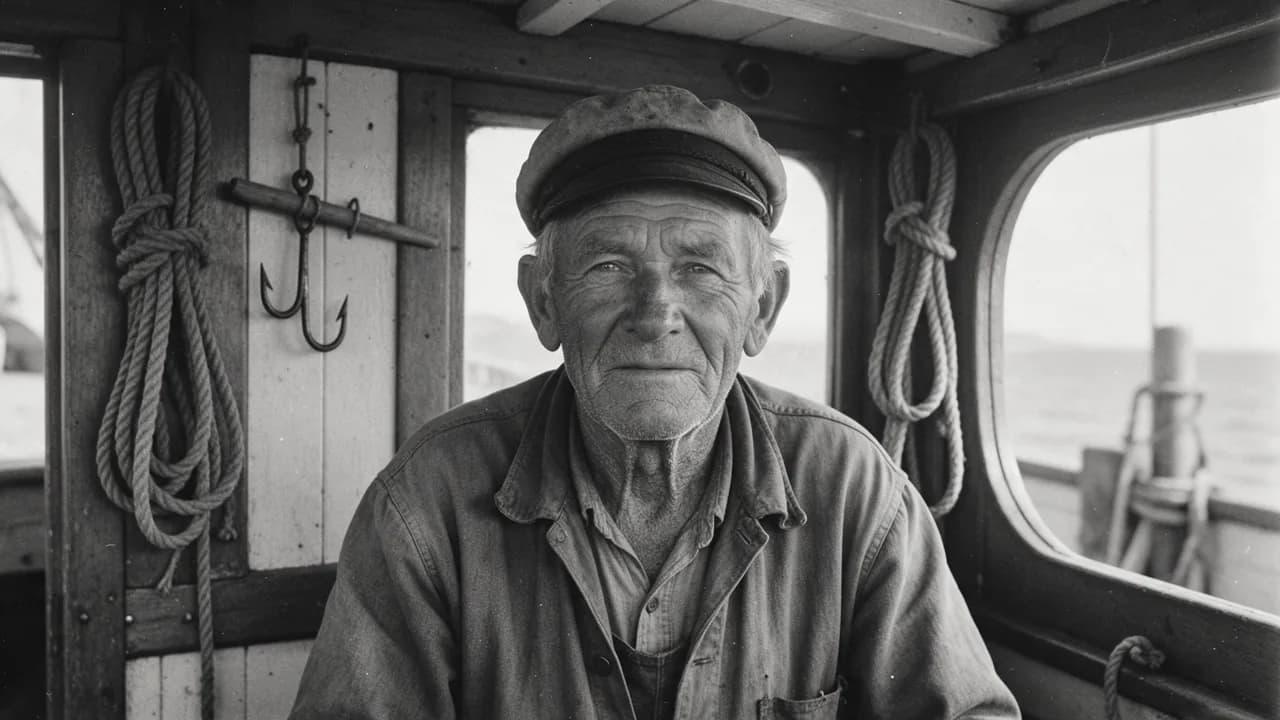 Photo
Photo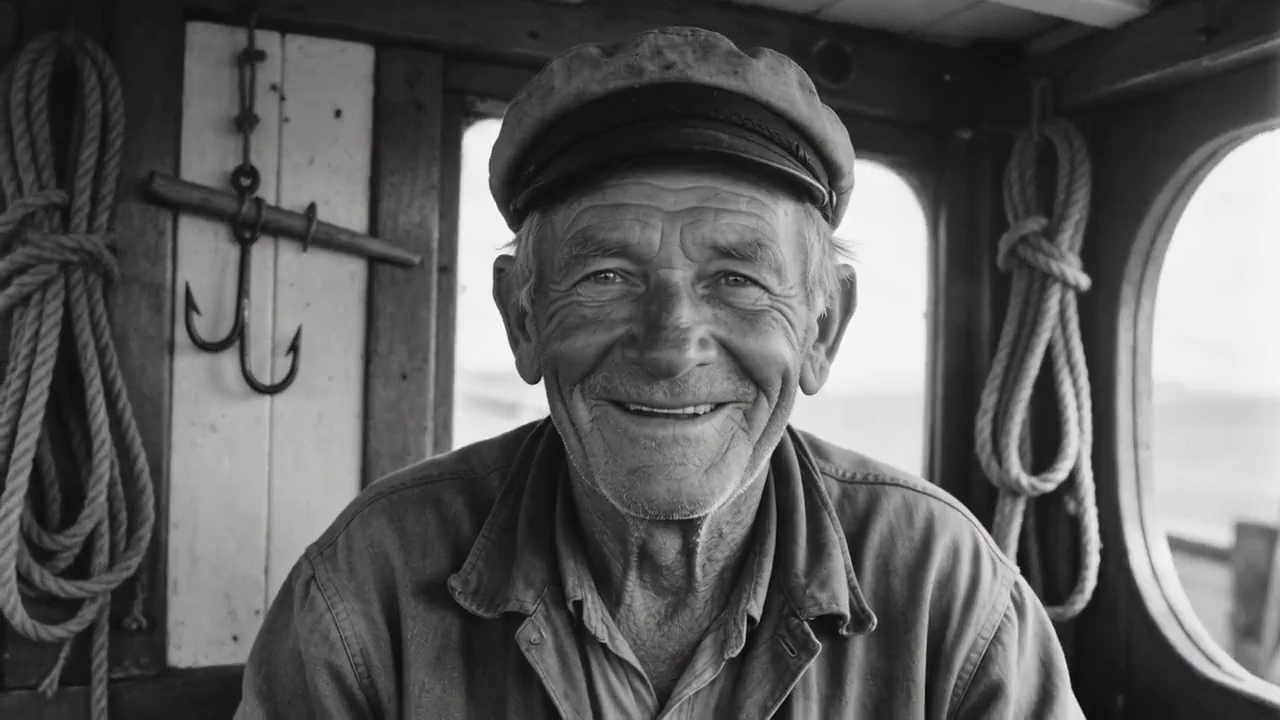
Before you upload a photo of a person
Old photos are almost always of real people, so the studio treats them that way.
When a photo shows a real person, the studio asks you to confirm you have their permission before it renders anything.
A clip of a real person renders on the Standard engine with a visible AI label on every plan, and the file carries machine-readable AI provenance.
Photos of children or public figures are refused, and the studio tells you as soon as you attach one.
How it works
Scan or photograph the print flat, in good light, as a JPEG, PNG or WebP up to 10 MB. Crop close to the faces.
A smile, a nod or a turn of the head. Small movements keep a face looking like itself; big ones bend it.
Confirm you have permission, choose 4 to 10 seconds and render. The clip lands in your library with sound and an AI label.
Good to know
A portrait or a couple works best. A crowded group photo gives each face too few pixels to move well.
Retouch scratches and upscale a small scan in the image studio first; the motion keeps whatever the still shows.
The engine animates the picture, not the person: a gesture it invents is not one they made. Share it as what it is.
Questions
Yes, with their permission: the studio asks you to confirm it before a photo of a real person renders. It renders on the Standard engine (720p on a free account, higher on a paid plan) with a visible AI label.
No. A photograph in which anyone appears to be under 18 is refused, even if that person is an adult today. Photos of public figures are refused too.
Every clip made from a photo of a real person carries a visible AI label on every plan, and the file carries machine-readable AI provenance. Anyone who sees it knows the movement was generated.
4 to 10 seconds, with sound, in landscape or portrait. Cut several clips together in the timeline editor for anything longer.
In many countries new accounts get 200 free starter credits, no card; unused ones expire after 24 hours. Elsewhere, a small credit pack is the entry. Animating your own photo needs a free account.
A sharp scan, one or two faces looking roughly toward the camera, and room around them. Ask for one small movement; a slow smile or a nod keeps the face looking like itself.
Longer clips, higher resolution, sound, songs and a timeline editor — in one account.
200 free starter credits in many countries · No card · Unused starter credits expire after 24 hours
Start creating free