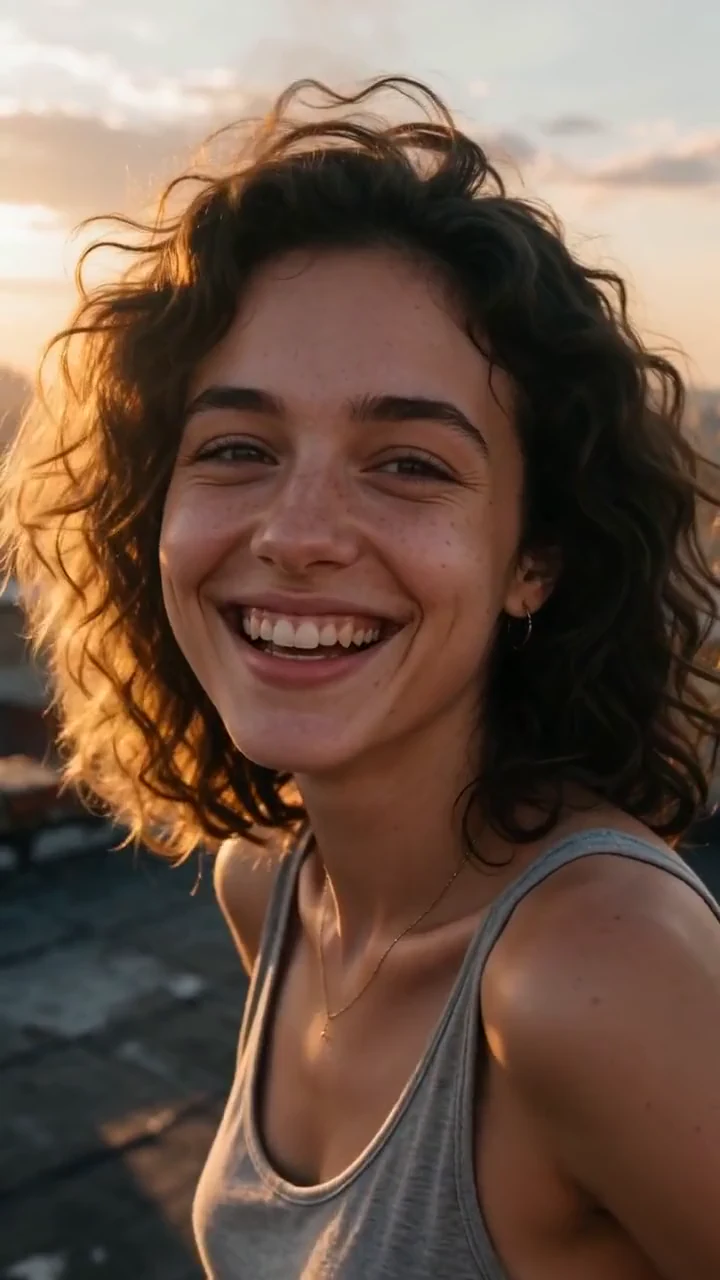
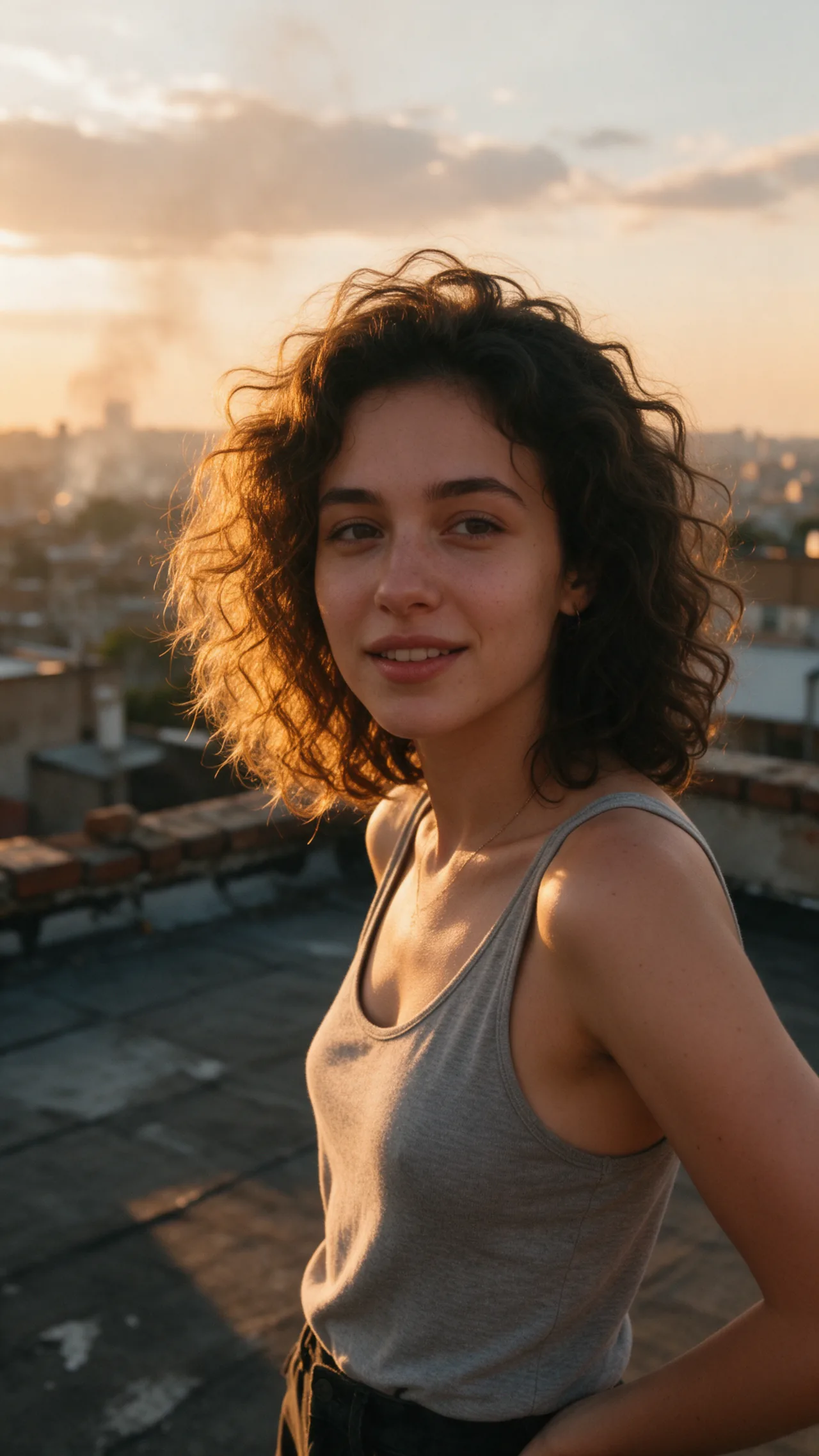
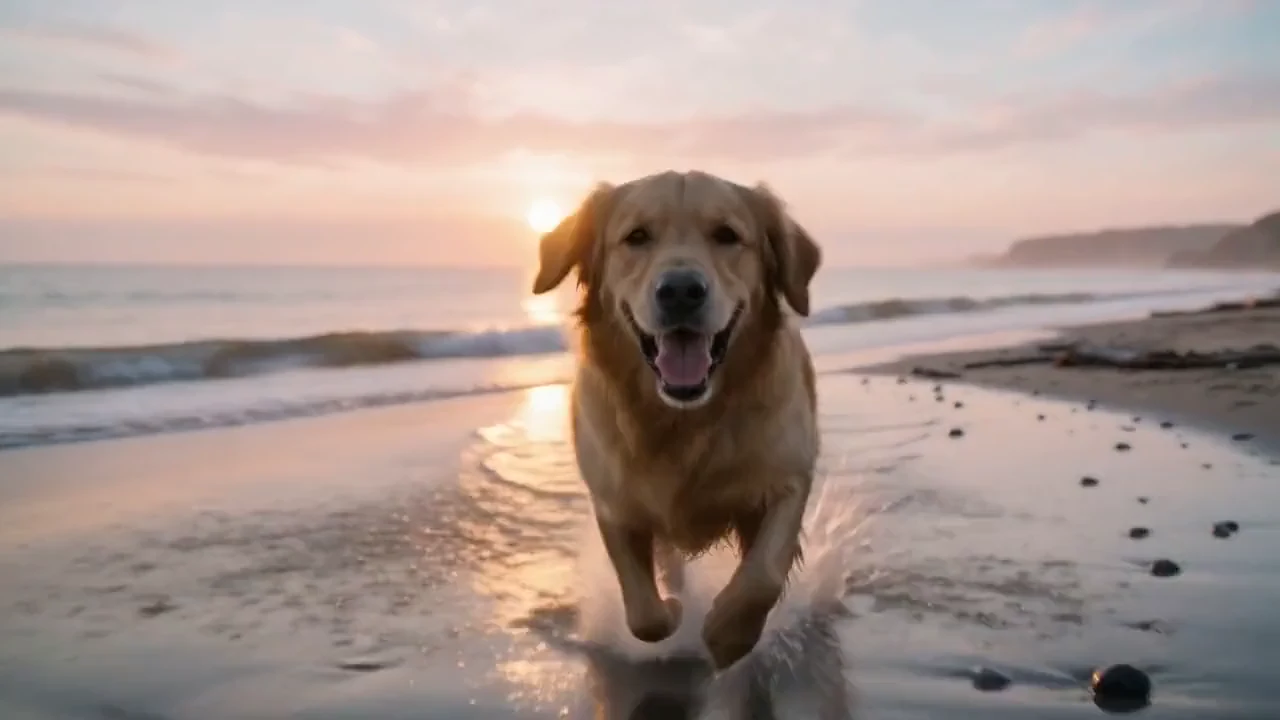
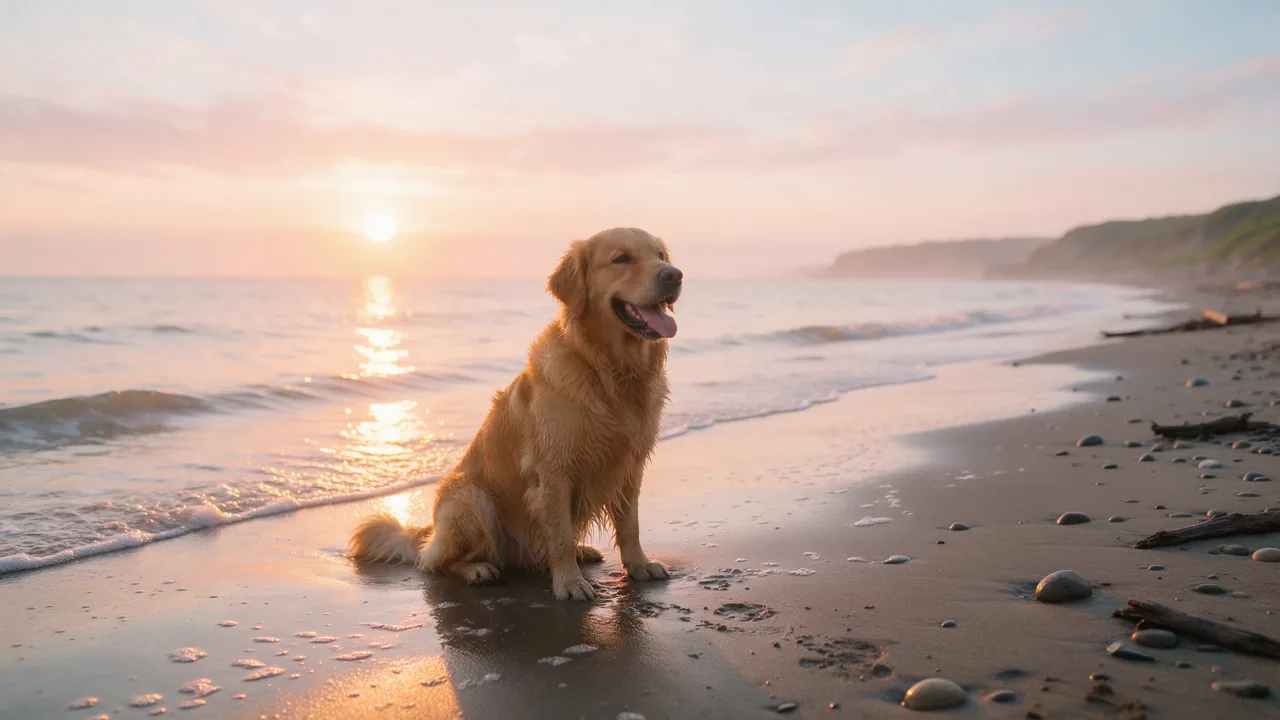
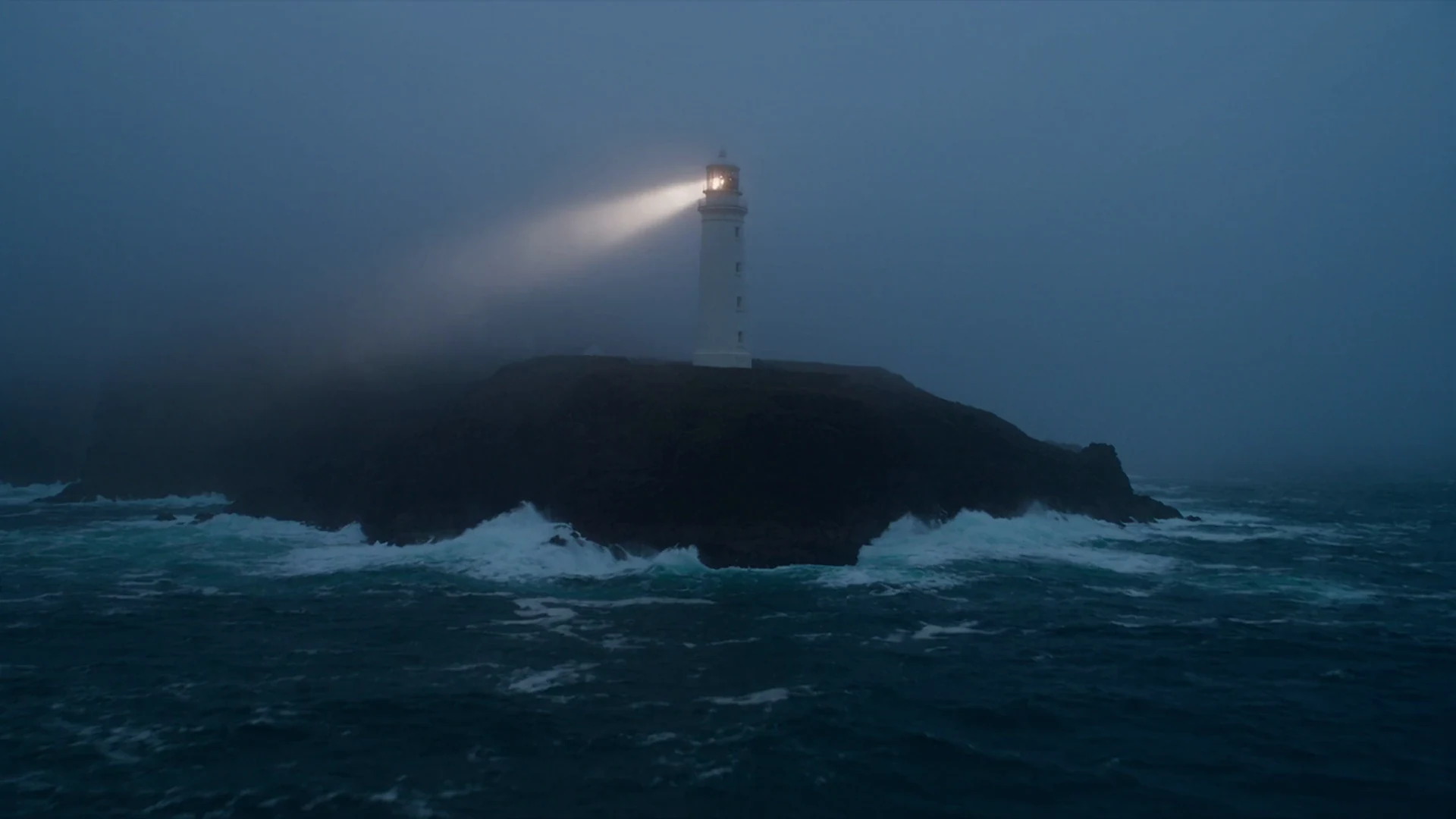
Two frame modes
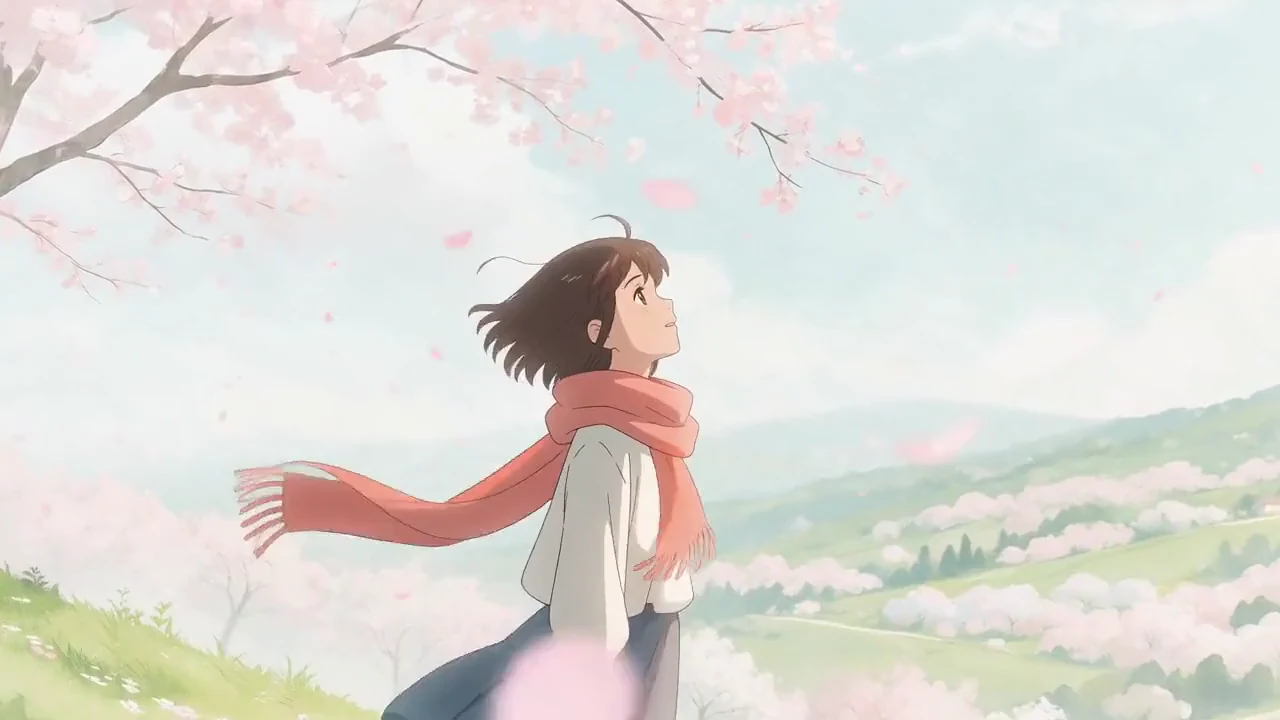
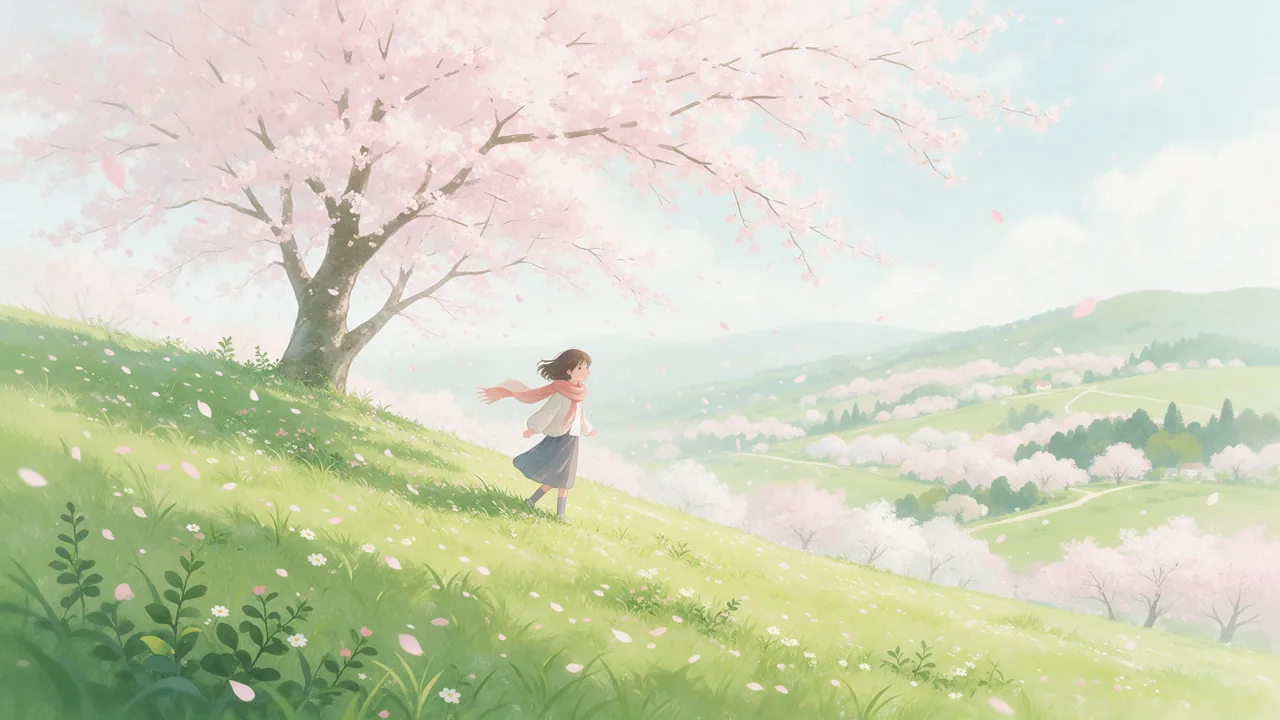
Animate forward from one still, or set a first and a last frame and let the clip travel between them — the mode to use when a shot has to land on a logo or a held pose.
Upload a photo, describe the motion, and get a real clip back — 5 to 15 seconds, landscape or portrait, 480p through 4K. A free account covers your first one, no card.
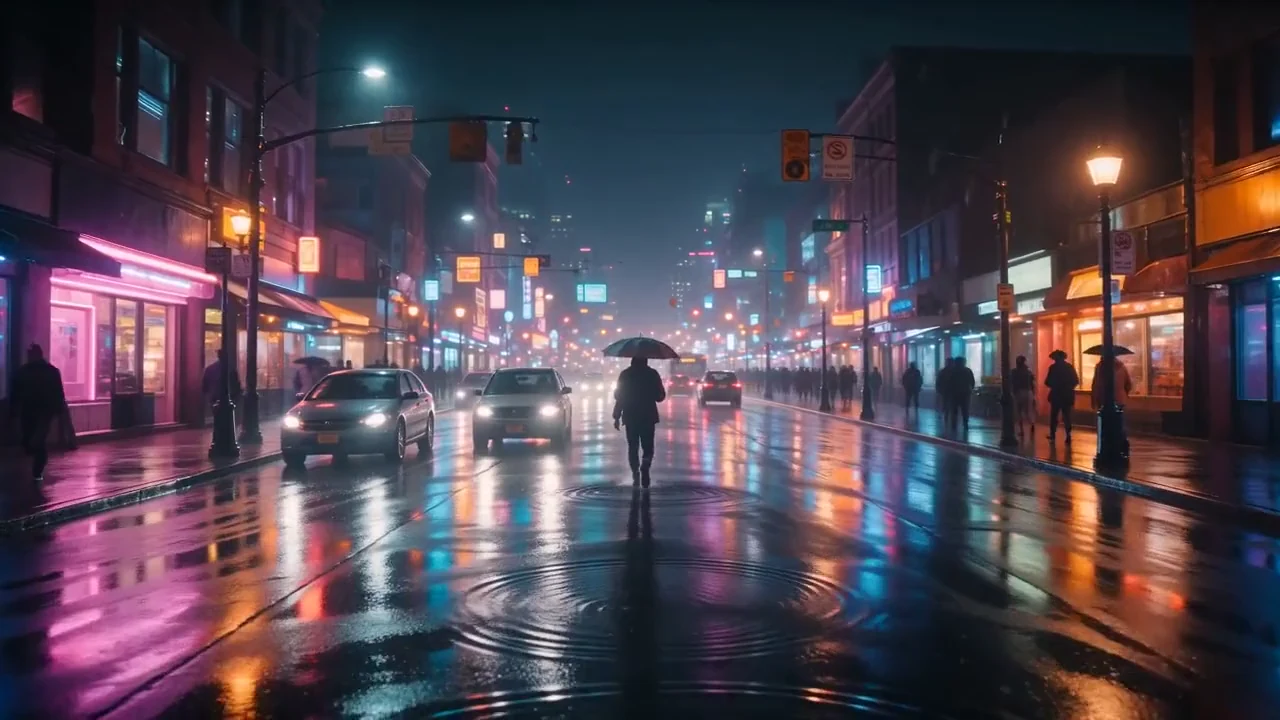
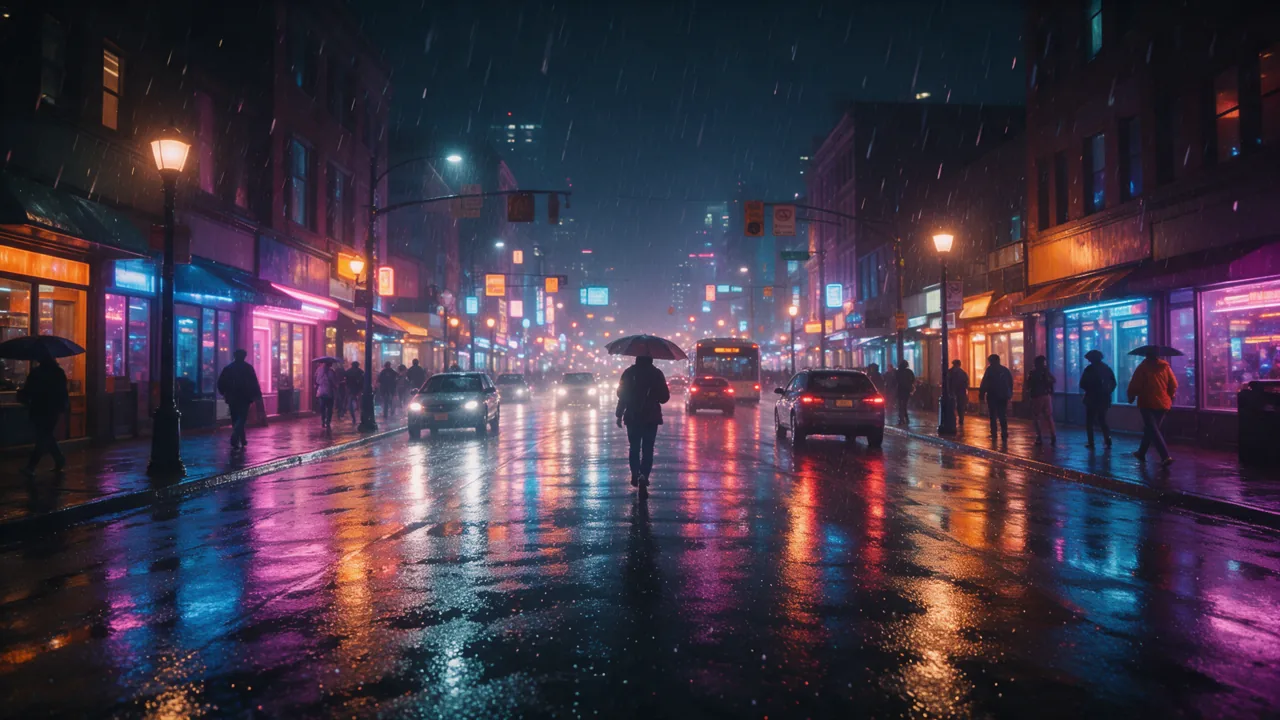
One render
What you get back
Source
A photo you upload, or a still you just generated. JPEG, PNG or WebP up to 10 MB.
Motion
One or two sentences of direction — the camera move, and the one thing that should happen.
Format
Landscape 16:9 or portrait 9:16, decided before the render rather than cropped after.
Length
5 to 15 seconds per clip, set on a slider.
Quality
480p while you are drafting, up to 4K for the take you keep.
How it works
Image-to-video buys the look outright. The picture settles composition, colour and identity before a single second is rendered, so the only thing left to get right is the motion.
Drag a photo in, or animate an image you generated in the Image Studio moments earlier. The studio recognises its own work, so a generated still goes straight to motion with no identity check. Frame it the way the clip should open: leave room for the move, and keep the subject off the extreme edges, because edges warp first.
The engine can already see the picture, so re-describing it wastes the prompt and sometimes fights it. Name the camera move and the single thing that should happen. A motion style picker sets the energy if you would rather not write it out.
Choose landscape or portrait, a length between 5 and 15 seconds, and a quality rung. Sound is generated with the picture and can be switched off. The finished clip lands in your Library.
What you control
The still locks the look. Everything here decides what the camera does with it, and what comes out the other end.
Animate forward from one still, or set a first and a last frame and let the clip travel between them — the mode to use when a shot has to land on a logo or a held pose.
16:9 for YouTube and the web, 9:16 for Shorts, Reels and TikTok. You pick the shape before the render, so a vertical clip is generated vertical rather than cropped down to it.
Short takes first. Motion quality decays as a generation runs long, and a 5-second re-roll is the cheapest way to fix a shot that missed.
Draft at 480p while you are still hunting for the motion, then re-run the take that worked at a higher rung. Every control behaves identically at all four.
Sound is generated together with the picture. Leave it on for atmosphere, or switch it off when the clip is heading under a music bed on the timeline.
In the frame modes your still is the only image the render sees — no extra reference images ride along with it. That is precisely what keeps the subject looking like itself.
The honest version
Every second of generated video costs real GPU time, so nobody renders it without limit for nothing. Here is exactly what a free account covers, and what it does not.
When a tool advertises unlimited free AI video, it is recovering the cost somewhere: a queue you wait in, a watermark, a hard resolution cap, or rights over what you make. We would rather publish the rate.
After the clip
A finished piece is several animated stills cut together. That happens in the same place, on the same credits, without moving your footage to another tool.
Clips, images, audio and titles on one multi-track timeline, with the generators inside the editor so a new take lands at the playhead. Exports render server-side as MP4 at any length.
Each still and clip stays reusable: animate the same image again with different motion, or pull an earlier take back onto the timeline when the new one is worse.
Every image, video and audio export carries embedded machine-readable provenance metadata (IPTC, XMP, EXIF, MP4, ID3), aligned to EU AI Act Article 50(2). Video rendered on the timeline also carries a C2PA signature. No export carries a visible badge, so telling your audience at publication stays yours.
Questions
Yes, to a point. A free account gets 50 starter credits with no card — enough for one 5-second clip at 480p (40 credits), or 4 images you can animate later. Paid plans add monthly credits, which is what puts the 1080p and 4K rungs within reach.
Not honestly. Every second of generated video costs GPU time, so a tool promising unlimited free rendering is recovering that cost elsewhere — a queue, a watermark, a hard resolution cap, or rights over what you create. PrismPoster publishes the rate instead: 480p costs 8 credits a second, and the price is on screen before you generate.
JPEG, PNG and WebP up to 10 MB, by drag and drop or file picker. You can also skip the upload entirely and animate an image you just generated in the Image Studio, which costs 12 credits and lets reference images keep a whole set of stills on-model before any of them move.
Each render is 5 to 15 seconds. Longer pieces are assembled rather than generated: cut several clips together on the timeline editor and export one MP4, which has no length limit.
Not by uploading their photo — the video engine rejects raw photographs of identifiable people, deliberately. A photoreal character you generated in the Image Studio is different: the studio knows that image is its own work, so it animates with no identity check. Putting an actual person on screen runs through Creator Cast instead: that person sets up a consented likeness from their own photos, can pause or revoke it at any time, and the likeness is what renders.
No. PrismPoster creates and finishes the media; you export it and post it yourself. There is no scheduler and no connected posting — the studio ends at a file you own.
The full workflow: making a still worth animating, prompting motion instead of scene, and the failure modes to dodge.
When to describe a scene from scratch, and when to hand the engine a finished picture instead.
What 480p, 720p, 1080p and 4K are each actually good for, and when the jump is worth it.
Image, video, music, Storyboard and the timeline editor, on one set of credits.
What a clip costs at each quality rung, and what every plan includes.
A step-by-step walkthrough of the studio, its controls, and what each one changes.
Create a free account, upload a still, and see what 5 seconds of motion looks like before you decide anything else.