Your song stays on your machine
The file is decoded, measured, drawn and encoded in the tab you already have open. There is no upload path in this page, so there is no copy of your track on our disks and no link to email back to you.
Drop in an audio file, paste the words, and get a vertical video with the lines landing on the beat. Every frame is drawn and encoded on your own machine, so the song never leaves the tab.
1080×1920 MP4 · SONGS UP TO 10 MINUTES · NOTHING UPLOADED
Made with this page
Each is this tool’s own export from an uploaded song: whole lines paced off the beat, 1080×1920, cut to its first 20 seconds.
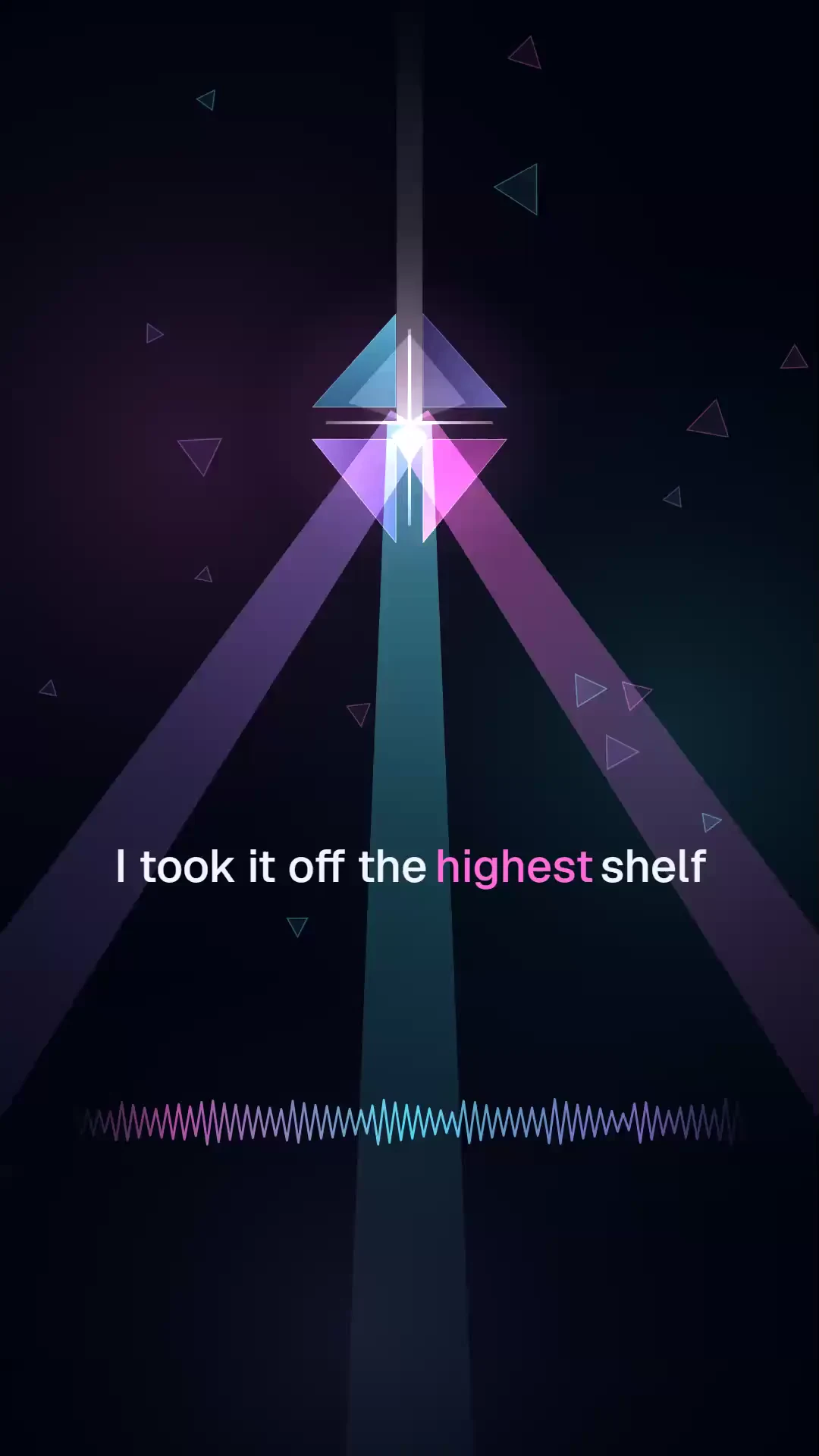
Lyric video · 20 s · Pop
Velvet Runway
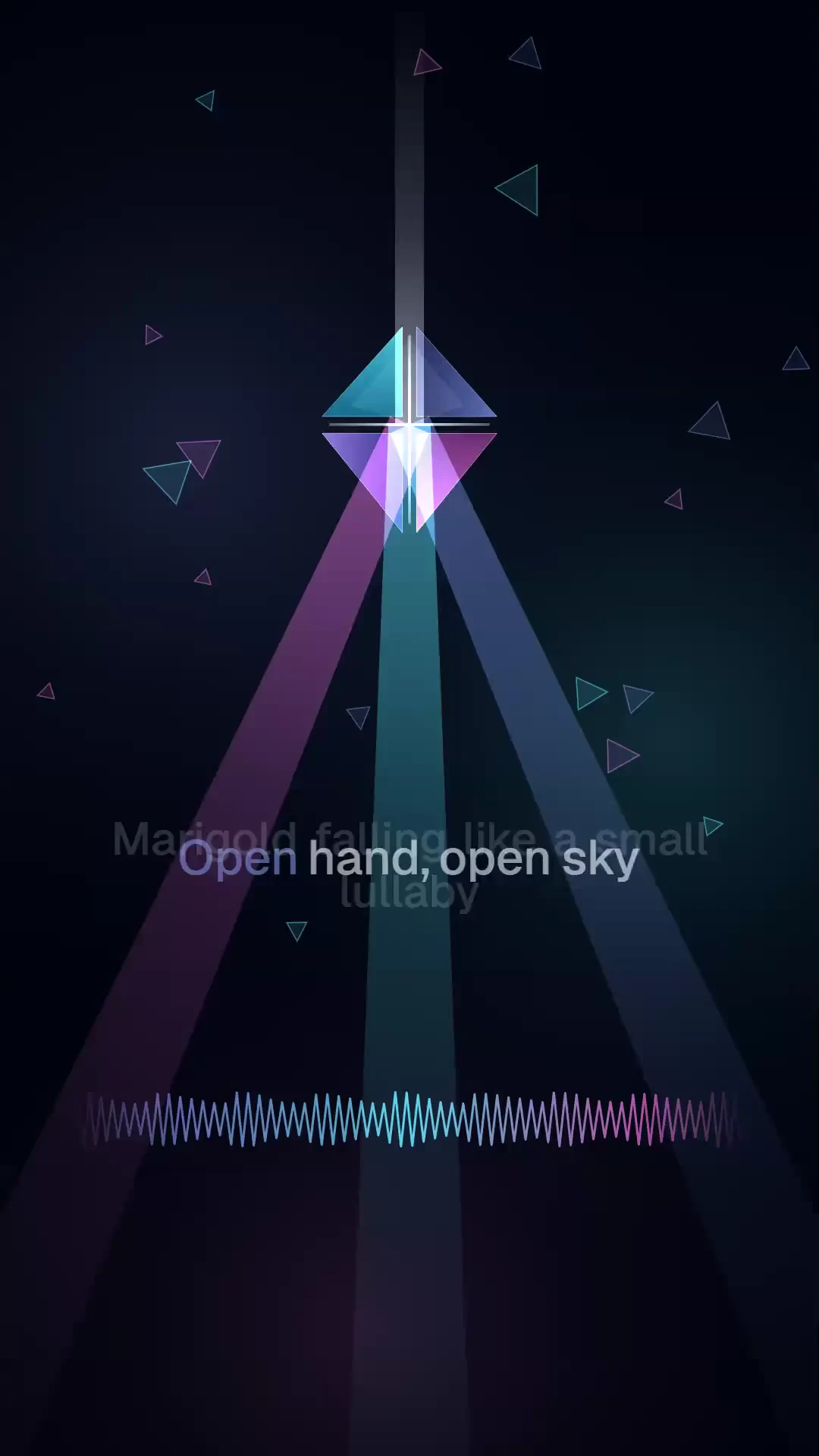
Lyric video · 20 s · Dance / house
Marigold Channel
200 free starter credits in many countries · No card · Unused starter credits expire after 24 hours
THE TOOL
Choose the audio, paste the lyric sheet, and the preview redraws as you type. Nothing begins uploading while you work, because this page has nowhere to send it.
One line per line, in the order they are sung. [Chorus] and [Verse 1] markers set the structure and are never drawn on screen.
0 LINES TO RENDER
Choose a song and the first frame appears here.
WHY THIS ONE
Most free lyric video makers are a web form in front of somebody else’s render farm: you hand over the track, wait for a slot, and find the watermark when the file comes back. This one has no queue to wait in.
The file is decoded, measured, drawn and encoded in the tab you already have open. There is no upload path in this page, so there is no copy of your track on our disks and no link to email back to you.
The tool measures the track’s tempo, its energy and where the onsets fall, then snaps every line to that grid. Lines arrive with the pulse instead of scrolling past at a fixed speed.
You get a 1080×1920 MP4 at 30 frames a second — the shape Reels, TikTok and Shorts ask for. Nothing is stamped across it and the download is not gated behind a plan.
HOW IT WORKS
Four steps, all of them in this tab.
Choose an audio file up to 10 minutes long — MP3, WAV, M4A, FLAC or OGG, anything your browser can decode. It is read straight off your own disk.
One line per line, in the order they are sung. Section markers like [Chorus] and [Verse 1] are read as structure and never drawn as type, and pasted timestamps or verse numbers are stripped for you.
Name the track, credit the artist and choose a vibe. The palette, the motion and how hard the type lands all move with it. Add cover art and the lead colour follows the artwork.
Take the 30-second cut for a first post, or render the whole song. The work happens locally, so leave the tab open while it runs, then save the MP4.
Nothing on this page is metered. The render spends a few minutes of your own machine’s time and nothing else — no credits, no plan and no sign-in between you and the finished file.
WHAT IT DOES NOT DO
QUESTIONS
Yes, and without an account. Your browser does the rendering, so there is no server bill behind this page to recover — no credits, no trial, no export fee. The finished MP4 downloads at full quality the first time.
No. The audio is read off your disk, decoded and rendered inside the tab. This page has no upload endpoint at all, so there is no copy of your track on our servers to keep, share or delete.
Nothing is stamped across the video itself. It ends on a 3-second PrismPoster card, which you are free to trim in any editor. The picture you post is unmarked.
It measures the track’s real tempo and onsets and snaps whole lines to that beat grid, so the words move with the song. It does not listen to the vocal, so it follows the pulse, not each syllable.
Not with this tool — it draws its own visual from the track’s audio. To put words over footage you already have, the free subtitle converter turns a transcript into SRT or VTT for any editor.
Anything your browser can decode: MP3, WAV, M4A, AAC, FLAC and OGG all work. Songs can run up to 10 minutes, which is a limit on your machine’s patience rather than on ours.
The 30-second cut usually takes under a minute. A full song takes roughly its own length, and the tab has to stay open while it runs: that is your hardware working, not a queue.
The file is yours to post anywhere. Whether the song underneath it is yours to publish is a separate question — if you did not write or licence the recording, a platform can still take the upload down.
Longer clips, higher resolution, sound, songs and a timeline editor — in one account.
200 free starter credits in many countries · No card · Unused starter credits expire after 24 hours
Start creating free