Nine AI video prompt mistakes, and what to write instead
Most bad AI video is bad for one of a small number of reasons, and nearly all of them are in the prompt rather than the model. These are the nine that cost the most credits, in rough order of how often they show up.
1. Describing the image instead of the motion
The most expensive mistake in image-to-video. The model can already see your start frame: OpenAI's own prompting guide describes the image as the anchor for the first frame, with the text defining what happens next (cookbook.openai.com, "Sora 2 Prompting Guide", checked November 2026). Every word spent describing what is in it is a word not spent on what should move.
Instead: name the camera, the subject's action, and one environmental detail. Nothing else. Our walkthrough on animating a photo covers the pattern.
2. Two camera moves at once
"Slow push in while panning left" asks for two directions. The model attempts both and commits to neither, and the result reads as a camera losing its balance. Runway's prompting guide gives the same rule: choose one primary movement per prompt (runway.com, "AI Video Prompting Guide", checked November 2026).
Instead: one move per clip. If you want a compound move, generate two clips and cut between them. The camera movement reference covers which moves behave.
3. Hidden state changes
Phrases like the candle goes out, she finishes the sentence, the door closes ask the clip to complete an event. If the event does not fit the duration, you get either a rushed version or an unfinished one, and both look wrong.
Instead: describe a continuing action rather than a completed one. Candle flickering rather than candle goes out.
4. Ignoring the duration grid
Clips run 4, 6, 8 or 10 seconds. A request for 5 seconds snaps down to 4, which is the single most common cause of "the ending got cut off". Nothing in the prompt can rescue a timing plan built on a duration that does not exist.
Instead: plan in real durations. Six for a single camera move, eight or ten for anything with a shape.
5. Fast
Rapid, quickly, fast-paced, dynamic. Speed multiplies how much frame area the model must invent per second, and invention under pressure is what produces smearing at the edges.
Instead: slow, gentle, steady. These are the two most useful adjectives in motion prompting, and they cost nothing.
6. A tightly cropped subject with a big camera move
A push-in on a subject already filling the frame has to invent everything it reveals at the edges. So does a pull-out from a subject on a plain continuous backdrop.
Instead: leave margin in the source image, or choose a smaller move. If the crop is fixed, use a static camera and let the scene move instead.
7. Quality adjectives
Cinematic masterpiece, stunning, 4K, high quality, award-winning. None of these describe anything the model can act on, and resolution is a setting rather than a prompt; OpenAI's guide notes that resolution and duration do not change based on prose (cookbook.openai.com, "Sora 2 Prompting Guide", checked November 2026).
Instead: describe light and lens. Shallow depth of field, warm low sun, soft haze changes the image. Stunning does not.
8. Expecting reference images alongside frames
Frame modes take frames. You cannot supply a start frame and a separate style or character reference in the same request — a common assumption that leads to confusing results when the reference is quietly not doing anything.
Instead: build the style into the source image before generating the video. It is cheaper to fix a look in a still than in a clip. Our start and end frames guide covers the limits.
9. Re-rolling instead of changing one thing
Generating the same prompt again and hoping is the most expensive habit in AI video. It produces a different draw from the same distribution, which teaches you nothing about what was wrong.
Instead: change exactly one element — the camera, the duration, or the source image — and compare. Draft at 360p for 25 credits rather than 95 at 1080p, and you can afford to be methodical instead of lucky.
The two things that are not prompt mistakes
Worth separating, because people spend real time trying to prompt around them:
A photo of an identifiable real person will be refused, every time, in every mode. This is a consent boundary rather than a filter to work around. This is a policy boundary to prevent unauthorized generation of real people.
Hands, text and reflections are still hard. No prompt reliably fixes a bad hand. Frame to avoid the problem, or fix it afterwards in the image before animating — our image editing guide covers repairing a source frame.
A prompt that gets most of this right
Slow push in toward the lantern, snow drifting steadily through the beam, shallow depth of field, warm light unchanged
One camera move. One environmental motion. No completed event. A lens note instead of a quality adjective. No description of what the image already shows.
For the craft behind a clip that holds up, read Reference to video AI, AI video with sound, AI video quality settings, Image to video prompts, and What is a oner? The long take.
Frequently Asked Questions
Why does my AI video look melted or smeared?
Usually because the camera move is too large for the depth in the source image, or the prompt asked for speed. Both force the model to invent large amounts of new frame area quickly. Reduce the move or slow it down before changing anything else.
Why did my clip end before the action finished?
Almost always the duration grid: a request for five seconds becomes four. Plan timed actions at six or eight seconds, and prefer continuing motion over completed events.
Do negative prompts work in AI video?
Not as a separate field here — the Video Studio has no standalone negative-prompt input. Say what you want positively instead, which is also what Runway's guide recommends (runway.com, "AI Video Prompting Guide", checked November 2026). Static camera works better than no camera movement alone, and both together work better still.
How many attempts should a clip take?
Two or three at 360p before one at full resolution, if you are changing one thing per attempt. If you are past five and still re-rolling the same prompt, the problem is the source image or the shot idea, not the wording.
Is it cheaper to fix the image or re-roll the video?
Fix the image, nearly always. An image edit costs 20 credits against 95 for a 1080p clip, and most repeated video failures trace back to something in the source frame.
Fix one prompt today
Take the clip that has disappointed you most, find which of these nine it commits, change that one thing, and draft it again at 360p. A free account includes 150 one-time credits with no card, and the prompt enhancer will help structure the rewrite.
Written with AI assistance. Ryan Balazadeh, founder of PrismPoster, is responsible for this article and its corrections.
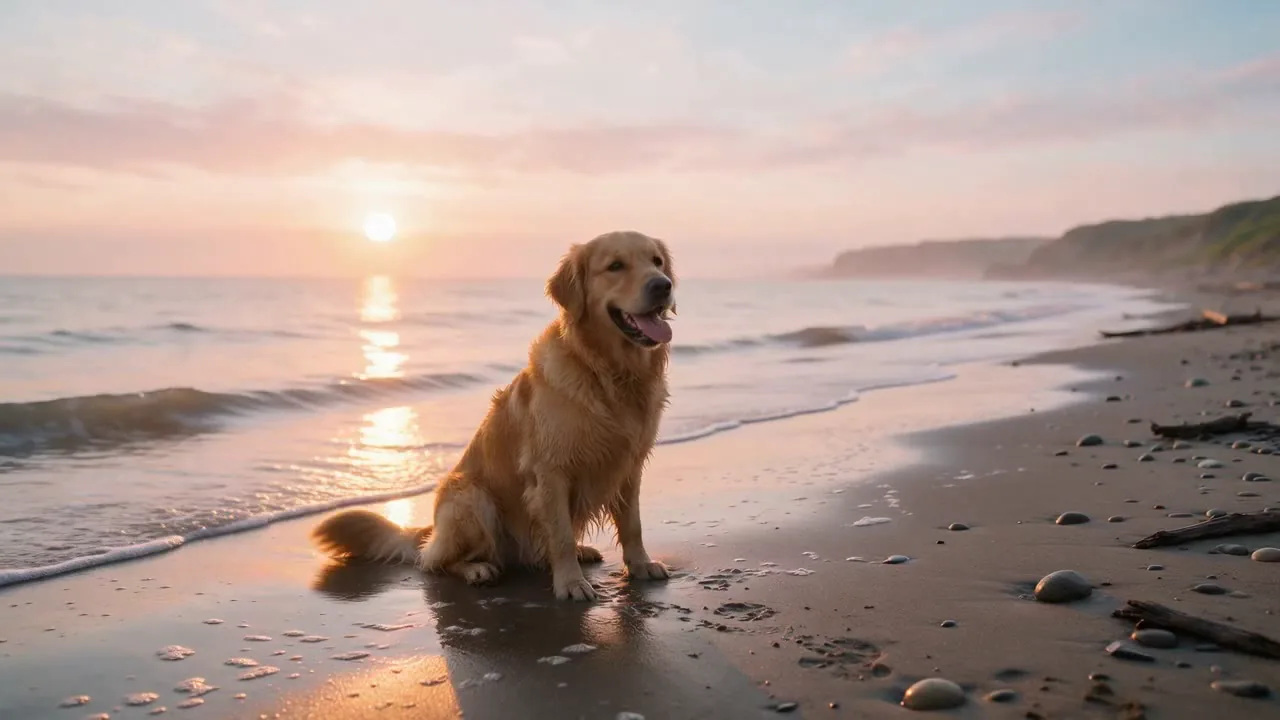
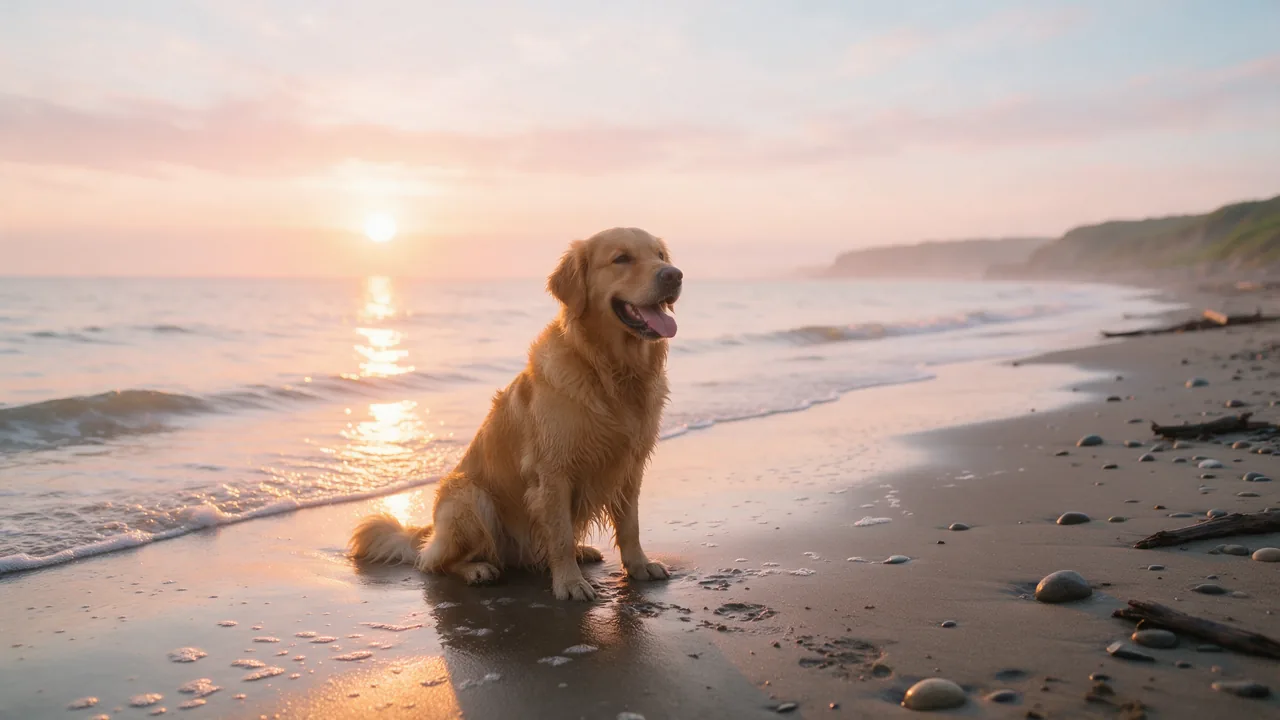
Turn ideas into high-definition AI video clips & timeline cuts
Generate text-to-video and image-to-video in 360p up to 4K, extend scenes per second, and assemble complete multi-track videos with auto-captions and zero desktop install.