Your own songs, for streams and videos.
Write a song in 35 languages with vocals, stems and cover art, put it under a clip or a lyric video, and play it on stream. Every plan, the free one included, allows commercial use.
- Song languages
- 35
- Stems
- Vocals and instrumental
- Commercial use
- Every plan
Hear it
Four songs in four languages, made in PrismPoster
15-second previews, cut from each chorus. Nothing here is stock.
- Velvet RunwayEnglish
Song · 15 s
- Malecón FuegoEspañol
Song · 15 s
- Marigold Channelहिन्दी
Song · 15 s
- Zeibekiko NightΕλληνικά
Song · 15 s
See it
Two of them, turned into lyric videos
Made with the free lyric video tool, in the browser, from the song file and its words.
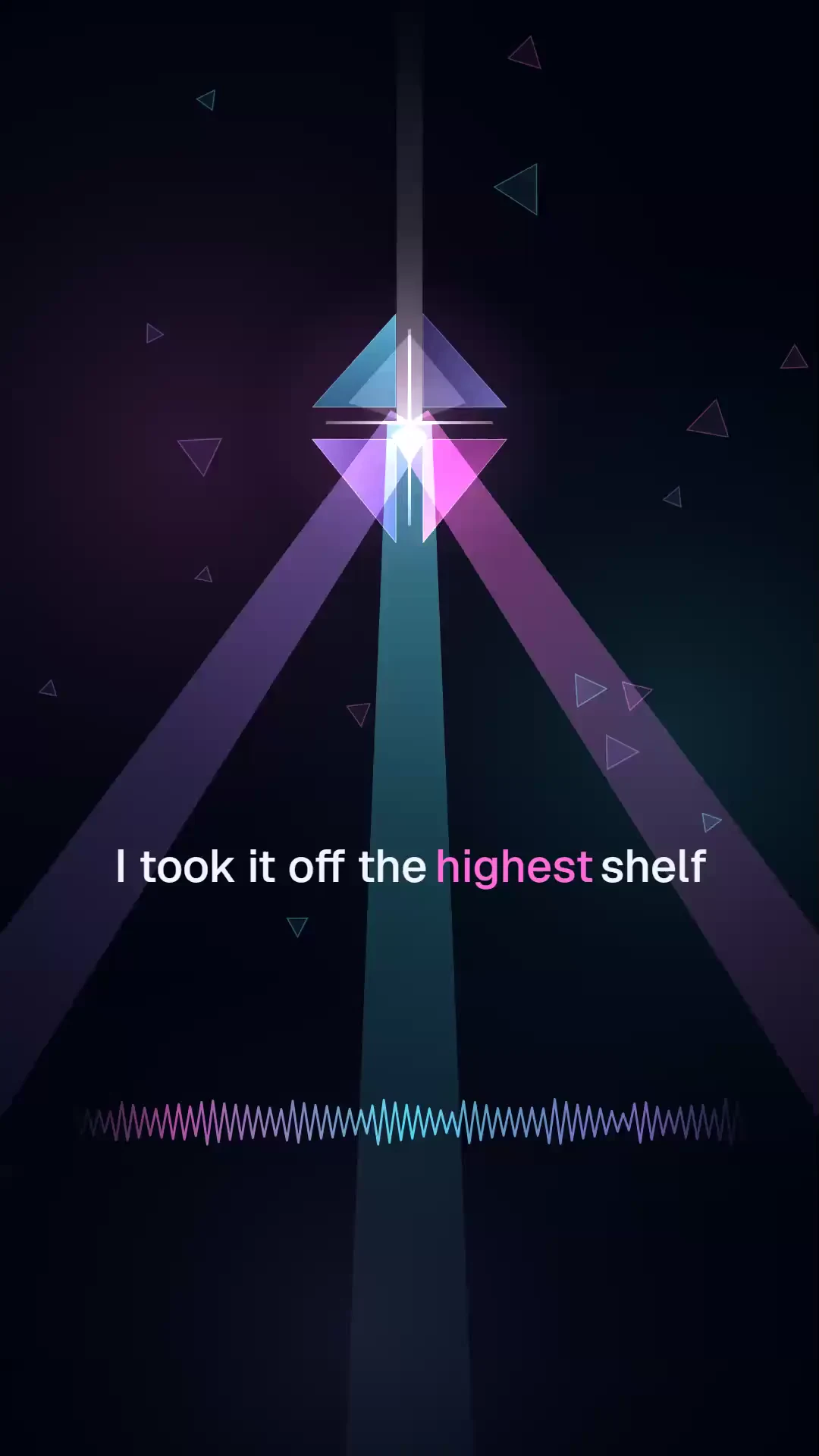
Velvet Runway as a pop lyric videoSong → lyric video · 20 s · 1080p 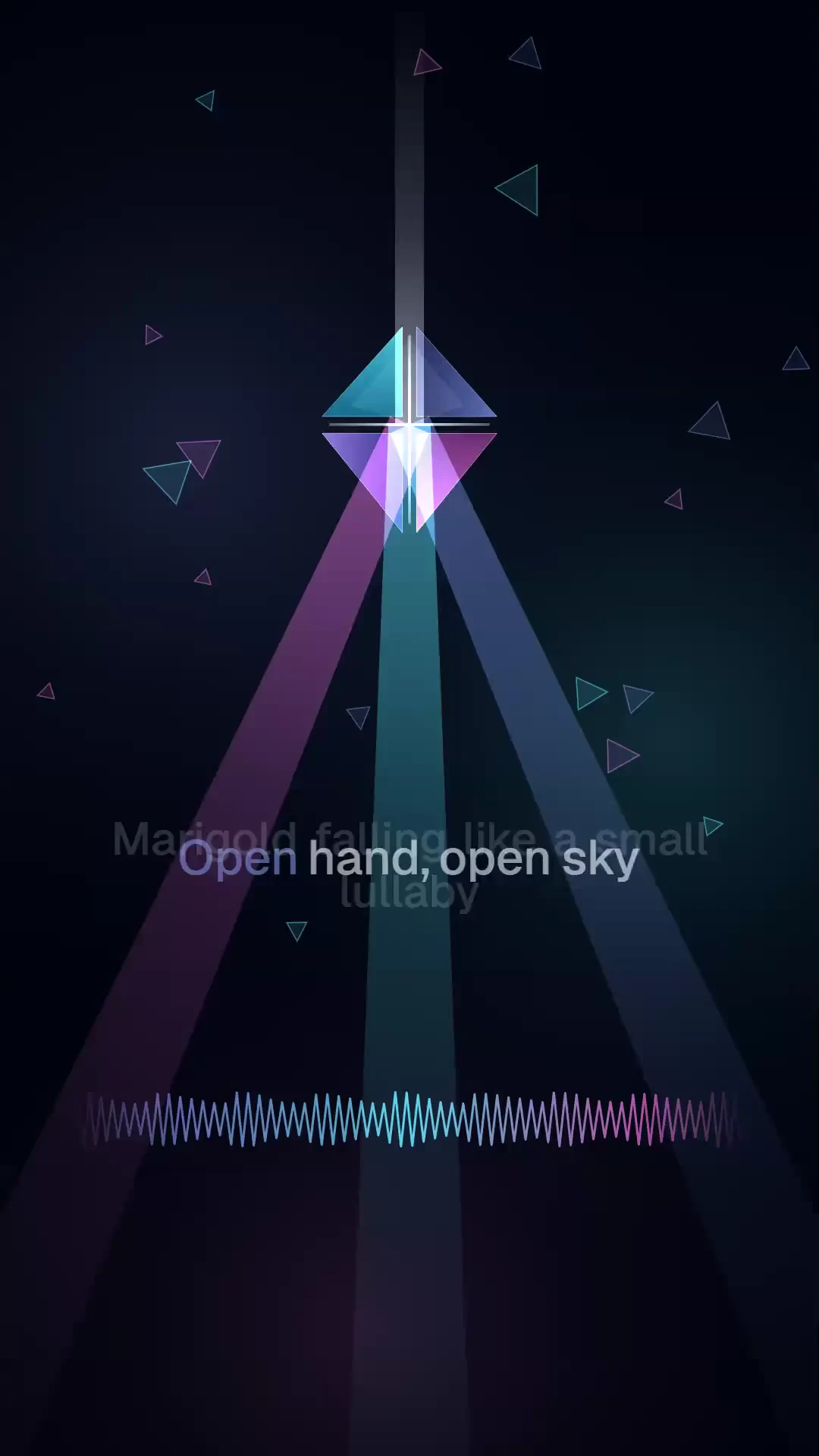
Marigold Channel as a dance lyric videoSong → lyric video · 20 s · 1080p
The usual workflow
Hunting for royalty-free music for Twitch means playlists that change and tracks a thousand other channels already play.
A licence for a commercial track still has to cover live streams, VODs and clips, and checking it is your job.
Your channel has no theme, intro or outro that nobody else has.
A lyric video or a vertical clip for every song means another app and another export.
The PrismPoster run
One source in, a reviewed set out.
Make the song
In the Music Studio, describe the song or paste your own lyrics and pick one of 35 languages. You get a full track with vocals and cover art, and you can split it into vocal and instrumental stems.
Make the video
Turn the song into a vertical lyric video with the free lyric video tool, which renders in your browser, or put it under a generated clip and cut it on the timeline editor in 16:9 or 9:16.
Use it on stream
Play it live, as your intro, or under your VODs and uploads. Every plan allows commercial use, PrismPoster claims no ownership of what you make, and exports are written with machine-readable AI provenance.
Built for musicians and streamers
Full songs with vocals in 35 languages, from a prompt or your own lyrics
Vocal and instrumental stems, and WAV conversion
Cover art made with the song
A free lyric video tool that renders in your browser
Clips with the song underneath, cut on a browser timeline editor
Exports in 16:9 and 9:16 for your channel, Shorts and Reels
A worked example
A channel theme in one evening
You stream three nights a week and still open with a playlist track other channels use too. Tonight you want a theme that is yours, a version you can talk over, and something to post.
- 01
Write the theme
In the Music Studio, paste a short chorus you wrote (your channel name, the game, the running joke), pick synth-pop and English, and generate. Keep the take you like; its cover art comes with it.
- 02
Make a talk-over version
Split the track into stems and keep the instrumental. That is the version that plays under your starting-soon screen and your intro, with no vocal competing with your voice.
- 03
Post a lyric video
Open the lyric video generator, add the song, paste the words and pick a style. It renders a vertical video in your browser, ready for Shorts, Reels and TikTok.
- 04
Cut a clip
On the timeline editor, lay the chorus under a highlight or a generated clip, then export 9:16 for socials and 16:9 for your channel page.
One theme song with cover art, an instrumental to talk over, a vertical lyric video and a clip, all made by you, marked as AI in their metadata, and usable commercially on every plan.
Free tools that go with it
Common questions
Can I play these songs on Twitch and YouTube?
Yes. Every plan, the free one included, lets you use what you make for any lawful purpose, including commercially, and PrismPoster claims no ownership of it. AI music can resemble existing songs, so a platform may still flag a track.
Do I get stems?
Yes. Split any song into vocal and instrumental stems for 12 credits, and convert it to WAV. The instrumental is the version to play under your voice on stream.
Which languages can the songs be in?
35 languages, from English, Spanish and Japanese to Turkish, Hindi and Greek. Pick the language before you generate, or paste your own lyrics in it.
Can it copy a famous singer's voice?
No. The studio sings in its own voices and has no voice cloning. Prompts asking for a named artist's voice are refused, and copying a real person's voice without consent breaks the acceptable use policy.
Can I use songs from a free account commercially?
Yes. The terms allow commercial use on every plan, the free one included. Where starter credits are offered, a free account can make up to 3 songs; any credit pack or plan lifts that limit.
How much does a song cost?
25 credits with your own lyrics, or 20 from a prompt. New accounts get 200 free starter credits in many countries, no card; unused ones expire after 24 hours.
Keep reading
- AI music for streamersBackground tracks for intros, breaks and themes, and where they come from.
- Music for Twitch streamsWhere stream music can come from, and what the platforms actually check.
- AI music licensing explainedWho owns the songs AI makes, and what the terms let you do with them.
- How to make a lyric videoFrom a song and its words to a finished vertical MP4.
- Making music in the Music StudioLyrics, languages, cover art, stems and WAV export.
- PrismPoster vs SunoWhere a music-only generator stops and a full studio starts.
Make the full version in the studio
Longer clips, higher resolution, sound, songs and a timeline editor — in one account.
200 free starter credits in many countries · No card · Unused starter credits expire after 24 hours
Start creating free